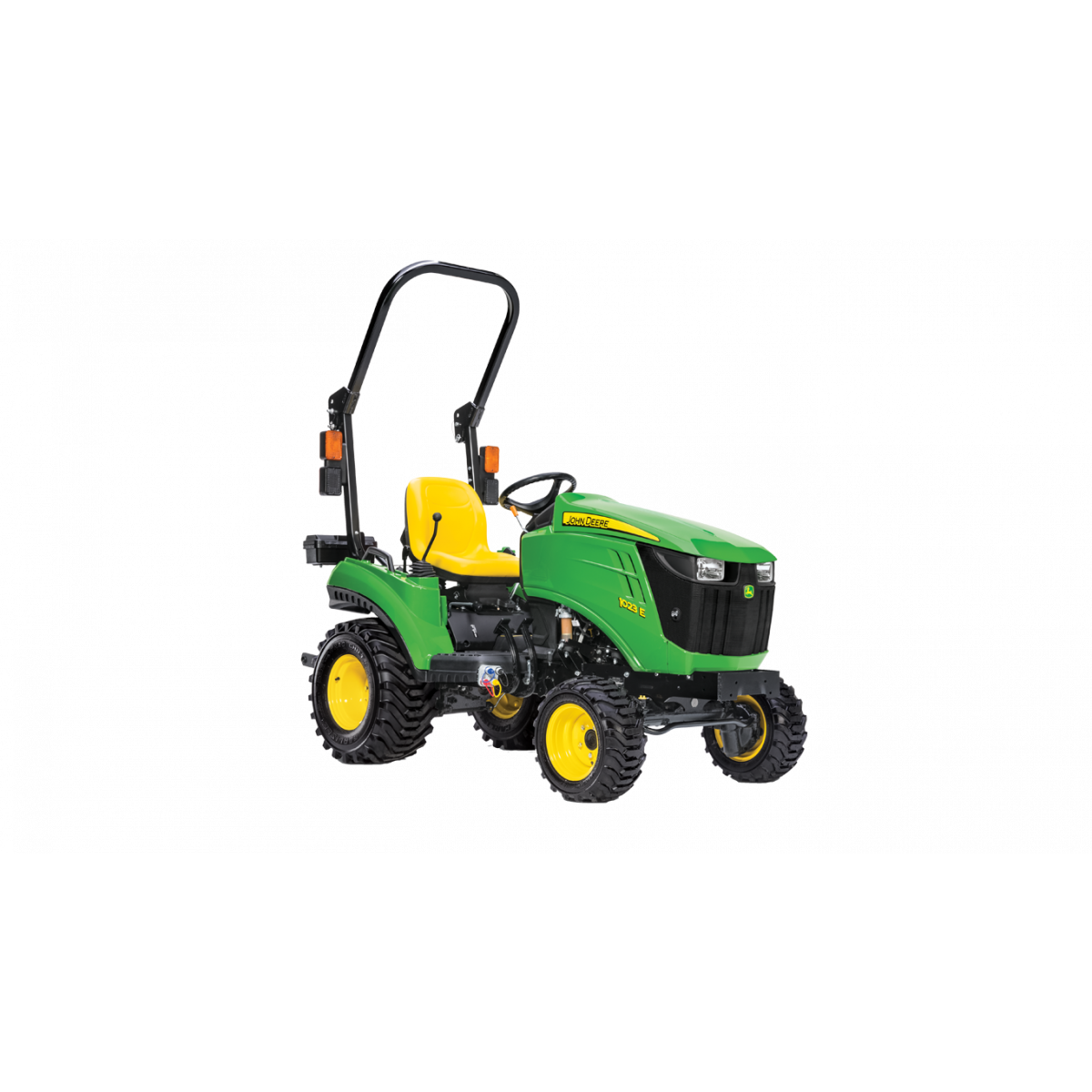
1023E
Compact Utility Tractor
- Yanmar® Tier 4-compliant diesel engine
- 3-Point Hitch - Category 1
- Turf or Industrial tyres
- Open Operator Station
- 24 Months or 2000 Hours, Whichever Comes First
Features
Spend more time working and less time switching equipment with easy implement swaps
 Drive-over deck makes connection simple
 1 Family Tractors are designed to minimise the time and effort needed to switch-out implements to accommodate different jobs.
- AutoConnect Deck System: Connect a mid-mount mower deck to the tractor in less than 60 seconds without leaving the seat except to lock the gauge wheels.
- Quik-Park™ Loader System: 120R Quik-Park™ Loaders are designed for easy mounting and removal in about a minute, with no tools needed.
- Quik-Tatch™ front hitch: Save time switching front implements like a snow blower, rotary broom, or front blade without tools.
- iMatch™ quick-hitch: Easily hookup Category 1 implements in seconds using three fixed points to back in and pick up rear implements without leaving the seat
- Position control hitch: Set the rear hitch height and then consistently lower the hitch to the exact height every time, which is especially useful in grading and leveling applications.
- Quik-Knect™ system: Connect power take-off (PTO)-driven implements quickly and with low physical effort. The Quik-Knect system utilizes one connector for the tractor’s PTO shaft and a designated connector for each implement which eliminates twisting and forcing splines to align.
1 Family Tractors can have up to three implements mounted simultaneously due to standard dual selective control valves (SCVs), allowing you to switch from using one implement to another without stopping to adjust. When a third SCV kit is added, the number of possible combinations is greatly increased.
Quickly and easily change speed and directions with Twin Touch foot controls and Hydrostatic transmission (HST)
 Twin Touch™ pedals
 The hydrostatic transmission’s infinite ground speeds and direction of travel are both controlled with the Twin Touch foot pedals.
- Ideal for loader or mower applications where frequent direction and speed changes are needed
- No clutching for fast direction changes
- Match the job at hand with infinite ground speeds
Excellent maneuverability and easy operation with standard four-wheel drive (4WD) and power steering
 Standard 4WD and power steering make 1 Family Tractors excellent for mowing
 Both 4WD and power steering are standard equipment on the 1 Family Tractors. This combination allows for excellent maneuverability and ease of operation.
- Narrow overall width allows you to work in tight areas where most compact tractors just cannot fit. The 144.8 cm (57-in.) wheel base and 119.4 cm (47 in.) overall width gives great stability for all types of terrain.
- Power steering means fewer turns of the steering wheel than manual steering, which is especially valuable when mowing around obstacles or during front loader work.
- High horsepower-to-weight ratio makes the 1 Family Tractors a good choice for a variety of tasks. The overall tractor weight reduces ground compaction and makes them excellent for mowing.
- The fully-independent power take-off (PTO) allows engaging and disengaging of the PTO without stopping tractor movement. This is important when driving across obstacles such as driveways while mowing.
Comfortable and convenient open operator’s station
 Open operator's station
 The 1023E open operator station is designed for greater comfort and increased visibility.
Comfortable operation
- Thick, textured rubber floor mat reduces vibrations and absorbs shock and noise.
- Step-through flat platform and fender-mounted handrails make it easy to get on and off the tractor from either side.
- Controls are conveniently located next to the fenders and are color-coded for quick identification.
- Easy-lift hood with dual gas-charged lift struts as standard equipment. A simple flip of the latch lets you open the rugged composite hood, providing wide open access to the engine compartment.
- Foldable rollover protective structure (ROPS) keeps you protected during operation and improves the ability to store tractor in a garage.
 Foldable Roll-Gard ROPS
 Foldable Roll-Gard™ ROPS is standard equipment on 1023E.
Increased visibility
 Standard (and optional) lighting shown
 - Sloping hood design provides improved visibility especially during front loader work
- Standard lighting equipment allows you to work from early in the morning to late at night:
- Two front-mounted sealed-beam halogen headlights
- Two amber-flashing warning/hazard lights mounted on the side of the ROPS with reflectors
- Built-in tail light on one warning/hazardous light
- Additional front- and rear-light kits are available
Flexibility in operation with multiple mid-mower lift system options
 Mid-mower lift system options
 Mid-mower lift system options
Standard mechanical mower lift
The standard mechanical mower lift system moves the mower in conjunction with the rear implements and comes factory-installed on 1 Family Tractors.
Optional hydraulic mower lift
The optional hydraulic mower lift system allows the mower to be raised and lowered independently of the rear implements. It uses the loader joystick to lift and lower the mower deck.
Optional independent hydraulic mower lift
The optional independent hydraulic lift system allows the mower to be raised and lowered independently of the rear and front implements. It operates using a rocker switch mounted on the tractor, located at the operator’s left knee.
For more information on this mid mower lift system click here.
Know more about your tractor with Equipment Mobile and a John Deere Smart Connector
 Equipment Mobile Resources
 Overview
Setup, operate, and maintain your tractor with Equipment Mobile and a John Deere Smart Connector.
To download the free Equipment Mobile app, visit the Apple® App Store® or Google Play™ store.
You can now view information about your tractor with a Smart Connector in Equipment Mobile. Take advantage of familiar TractorPlus features in Equipment Mobile such as the Live Dashboard and Diagnostic Trouble Code alerts. Equipment Mobile offers additional tools to help you manage not just your tractor, but your entire fleet in one place.
Any size and type of operation will appreciate the features in Equipment Mobile. View help documentation to learn more about the application.
A John Deere account is needed to use the Equipment Mobile app. Here’s a great overview of how to do it: How to Create A John Deere Account | John Deere (youtube.com)
Benefits
Equipment Mobile:
- Quickly scan the PIN to access maintenance, parts, and manual information
- Conveniently access and share Diagnostic Trouble Codes for troubleshooting
- Receive maintenance reminders and parts recommendations to minimise downtime
- Access equipment that is already loaded into your Operations Center account by logging into Equipment Mobile with your John Deere account login
- Create daily checklists to increase efficiency
Additional details
Please note that Smart Connectors offer local connectivity via Bluetooth, while JDLink modems enable remote connectivity and provide valuable data including location, machine performance metrics, health data, access to John Deere Connected Support services, and more.
Users can still benefit from Equipment Mobile if they do not have a Smart Connector.
Installing the Smart Connector will offer additional capabilities to help monitor equipment by sending information from the tractor to the user’s mobile device using Bluetooth® wireless capability. The following table outlines the differences between using Equipment Mobile with and without a Smart Connector.
Equipment Mobile app | Additional Equipment Mobile app features with Smart Connector |
|
|
 Wireless Trouble Code Access
  Live equipment dashboard in Equipment Mobile
 To pair the John Deere Smart Connector with a phone and tractor, you must first be in range with the tractor equipped with the John Deere Smart Connector. Once the Smart Connector is plugged in and the tractor is keyed on, the Smart Connector will be available to pair within Equipment Mobile. The flow of pairing a Smart Connector in Equipment Mobile is shown below.
 Step 1
  Step 2
  Step 3
 Apple and App Store are trademarks of Apple Inc. Google Play, and YouTube are trademarks of Google LLC. Bluetooth is a trademark of Bluetooth SIG, Inc.
Related Products
1025R
Compact Utility Tractor
2025R
Compact Utility Tractor
2038R
Compact Utility Tractor
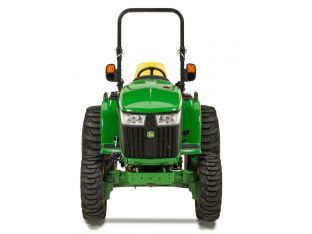
3039R
Compact Utility Tractor
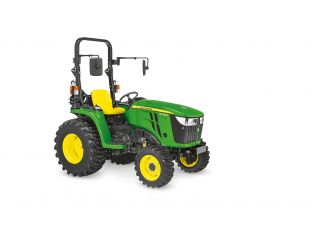
3038E
Compact Utility Tractor
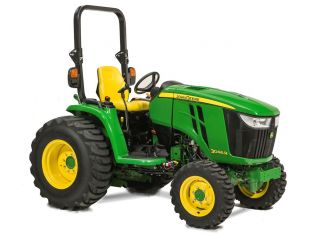
3046R
Compact Utility Tractor
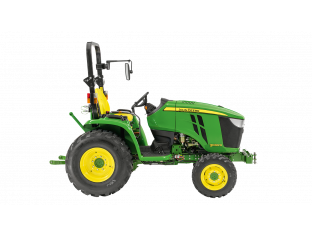
3033R
Compact Utility Tractor
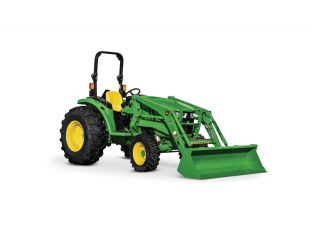
4066M
Compact Utility Tractor
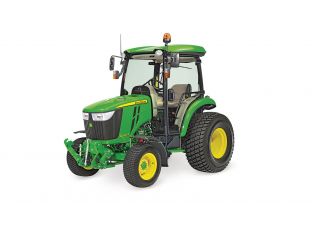
4066R
Compact Utility Tractor